 Pinak
Free public beta
One calm, private place for everything you want to remember.
Notes, plans, links and reminders for a kitchen renovation, a trip, a book, a busy week. They stay on your computer, and you can find anything again.
For Mac (Apple Silicon and Intel) and Windows (beta). Free while we are in beta. No account.
What you can do
Write
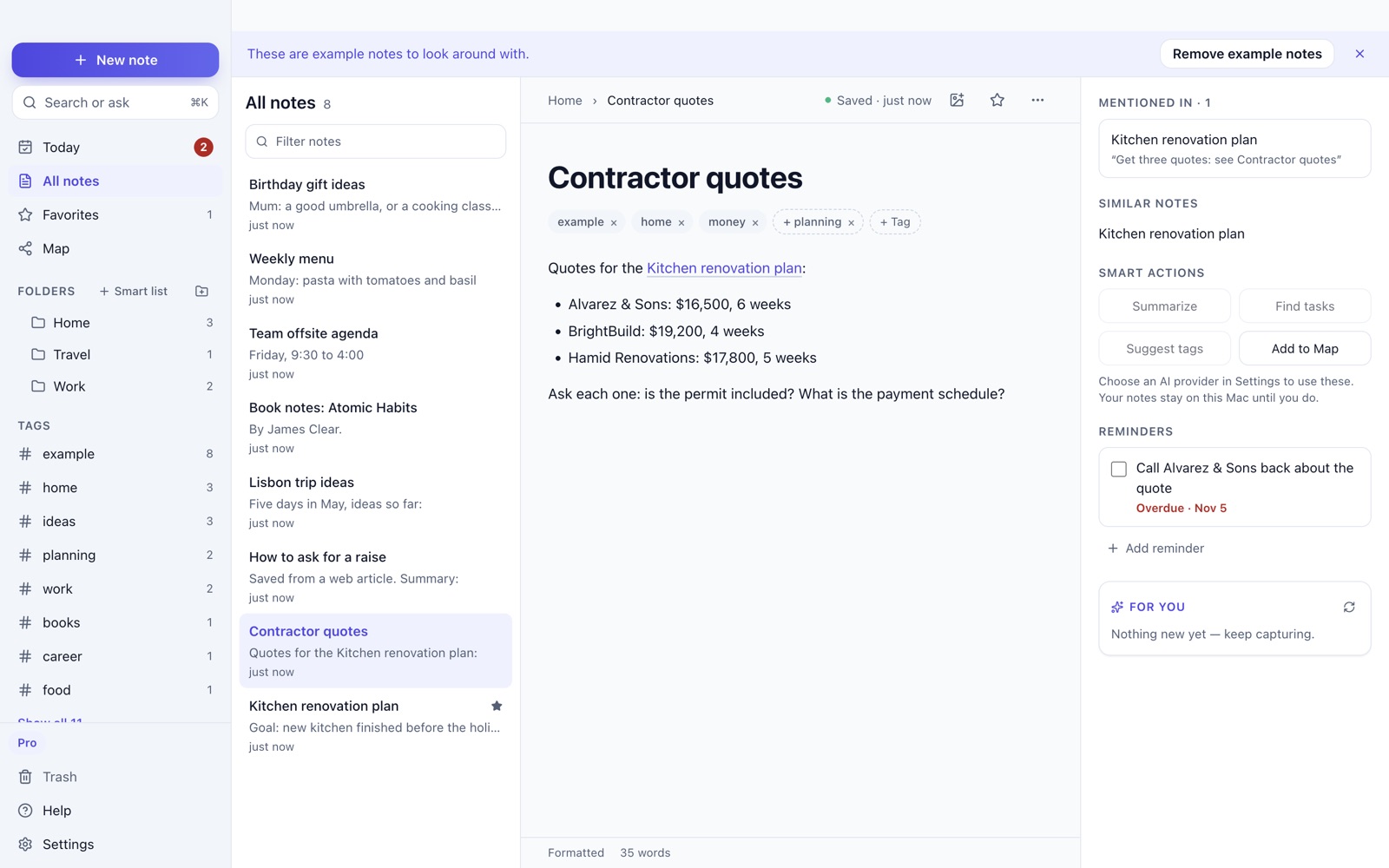
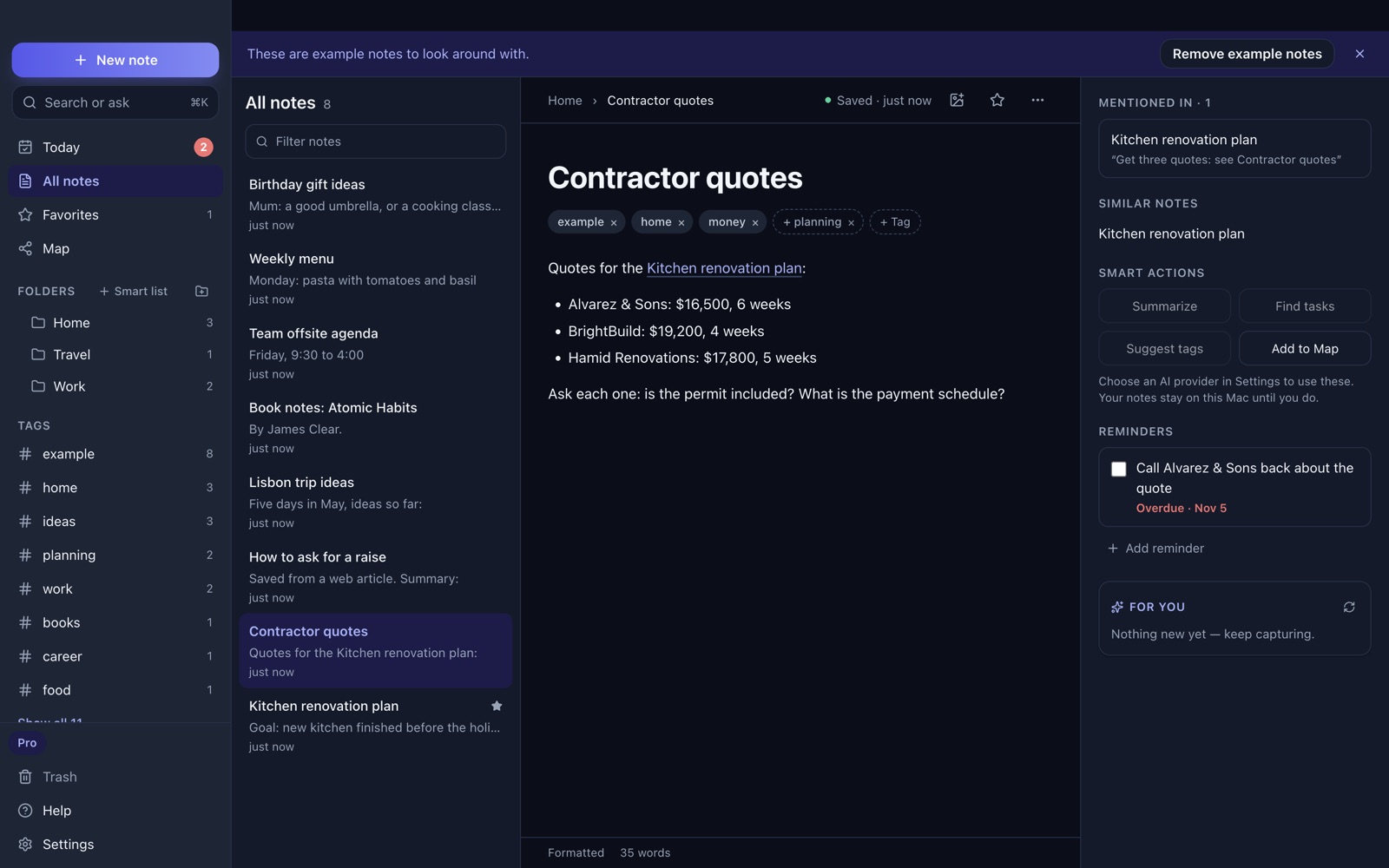
Notes look like a normal document: headings, lists, links and pictures. There is nothing to learn. If you like Markdown, you can switch it on in Settings.
Link one note to another, sort notes into folders, add tags (Pinak suggests some), and star your favourites. Smart lists keep, say, everything tagged home in one place.
Today
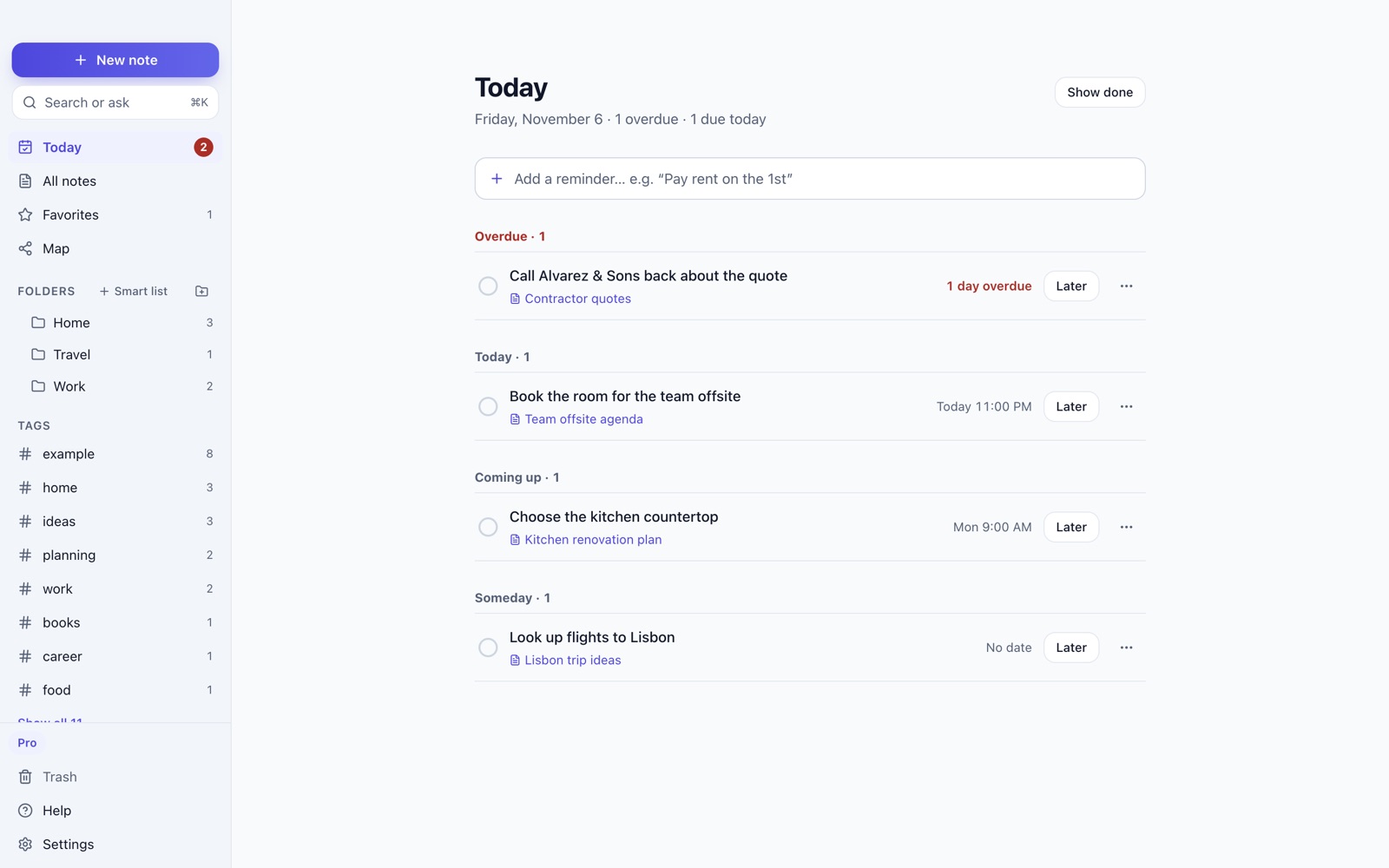
Add a reminder in plain words, like “Pay rent on the 1st”. Today shows what is overdue, what is due today, what is coming up, and what is someday. You get a notification on your computer.
Search or ask
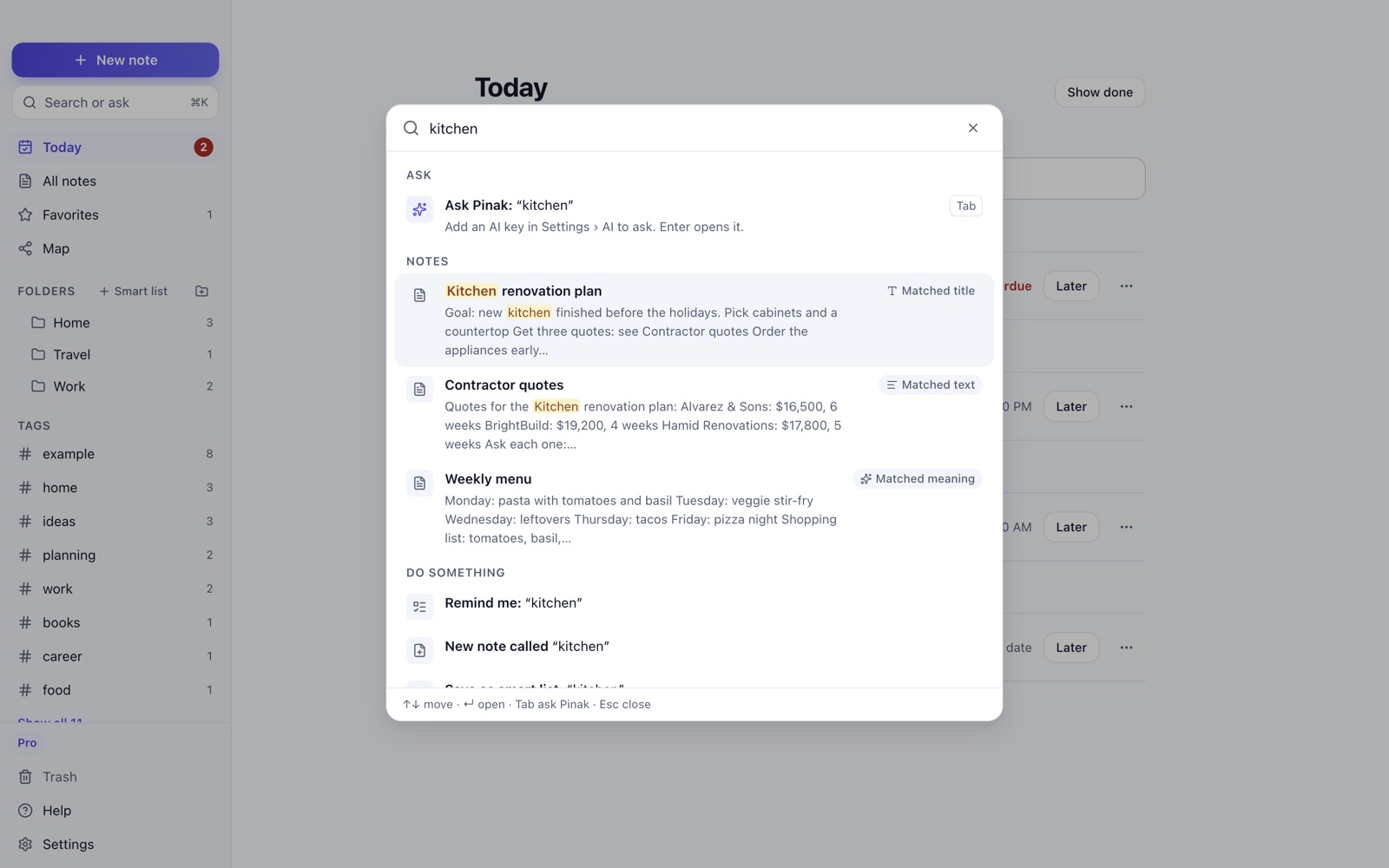
Press ⌘K (Ctrl+K on Windows). Search finds notes by the words you used and by what they mean, so “tradesperson” can find your contractor note. This happens on your computer.
Ask answers a question from your own notes and shows numbered sources so you can check it. Ask and the smart actions (summarise, find tasks) need an AI provider that you choose: bring your own key from Anthropic, OpenAI or Gemini. Without a key, everything else still works.
Quick Capture
Have a thought while you are in another app? Press ⌘⇧K (Ctrl+Shift+K on Windows), type it, and carry on. It can become a note, a reminder, or a saved link.
Map Pro features, free in the beta
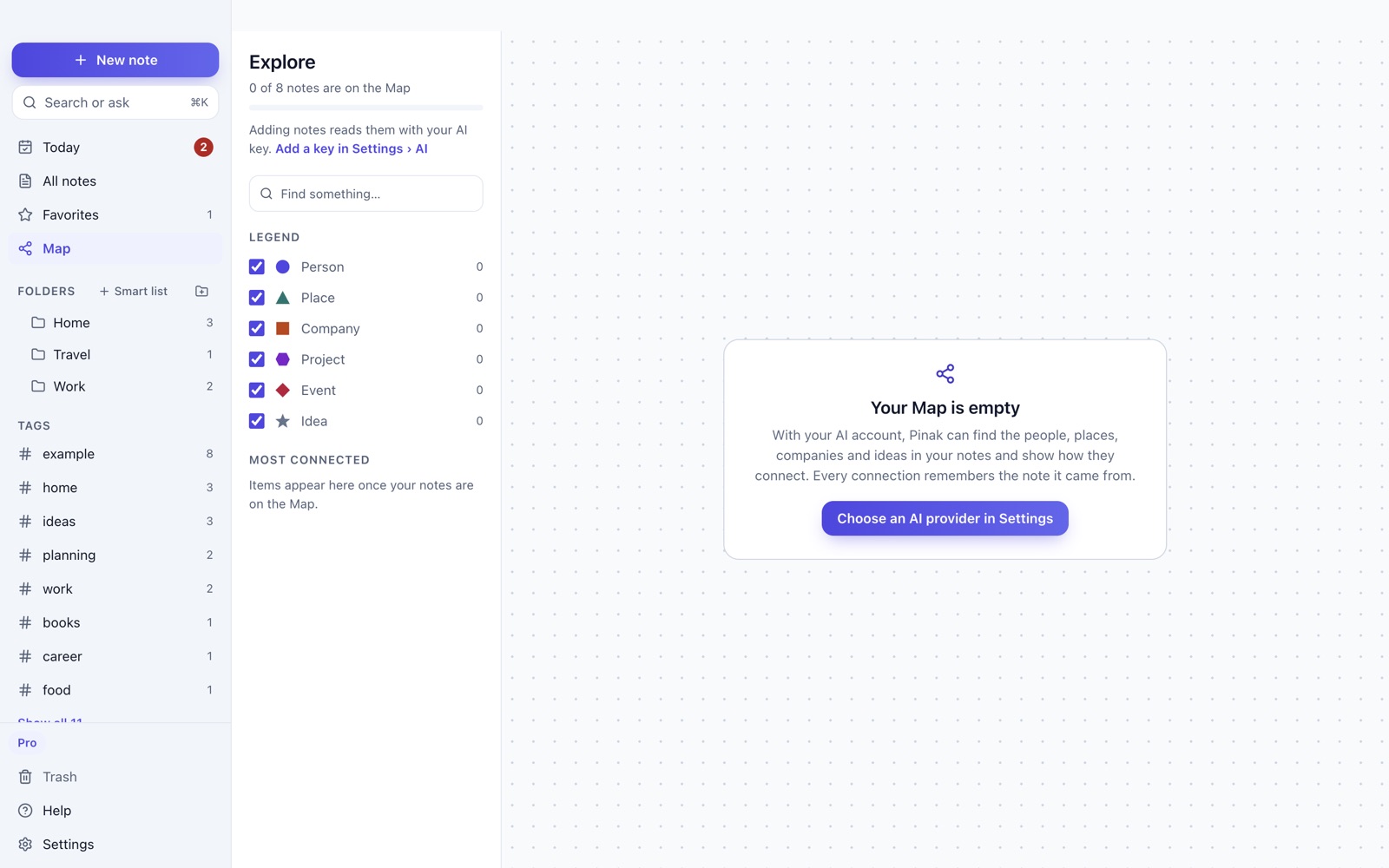
The Map finds the people, places, companies, projects, events and ideas in your notes and shows how they connect. It uses your AI provider to read your notes, so it fills in once you add a key.
Private by design
- Your notes are saved on your computer, in a local database. They are not uploaded.
- There is no account to make, and no analytics or tracking.
- Nothing is sent to an AI provider unless you add your own key and use an AI feature.
- You can bring in a folder of text or Markdown files (Obsidian vaults work), and your data stays in a folder you can find.
Questions
Is it really free?
Yes, during the beta. Prices for later have not been announced.
Where are my notes?
On your computer, in a folder Pinak keeps. They are not stored on our servers, because we do not have any for your notes.
Do I need an AI key?
No. Writing, reminders, folders, tags and search all work without one. Ask, smart actions and the Map use an AI provider you choose with your own key. Built-in on-device AI is not available yet.
Can I bring my notes from somewhere else?
You can import a folder of text or Markdown files, which covers Obsidian. Importers for other apps are not built yet.
Does it sync between my computers?
Not yet. Each computer has its own library for now.
Which computers does it run on?
Macs with Apple Silicon or Intel (macOS 13 or later), and Windows 10 or 11 as a beta. A Mac App Store version is coming soon. There is no phone app yet.
Is it easy to use with a keyboard or screen reader?
It is designed to be. Text meets AA contrast, there is a high-contrast theme, everything can be done from the keyboard, controls have VoiceOver labels, and you can change the text size. If something gets in your way, please tell us.
Why “Pinak”?
Pinak is the name of Shiva’s bow in Hindu tradition. We liked the idea of a tool that is simple and steady, and aimed well.
Try Pinak
Open it and choose “Look around with example notes” to explore, then remove them any time.